Install GatherGround on Android
To install the app, follow these steps:
-
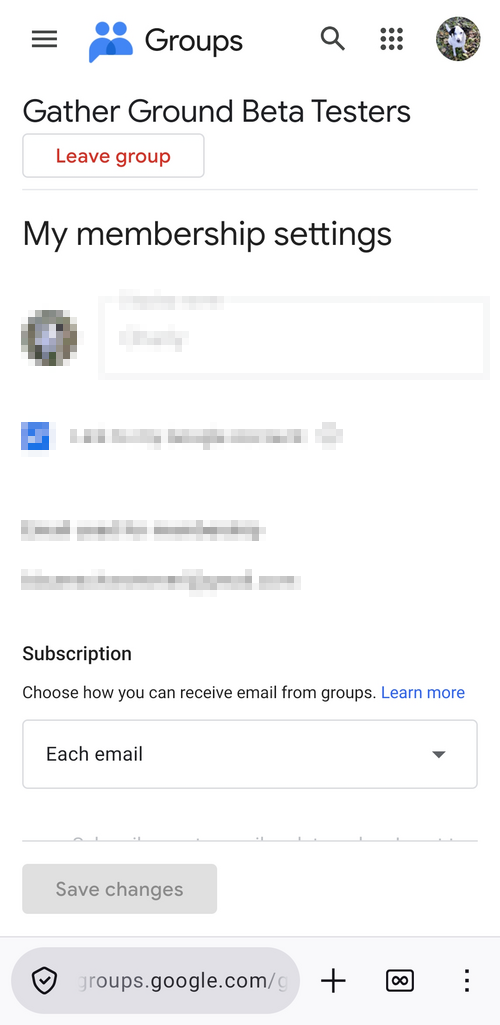
Open
Gather Ground Beta Testers
on Google Groups and
- sign in with the same Google account you use on your mobile phone and in Google Play,
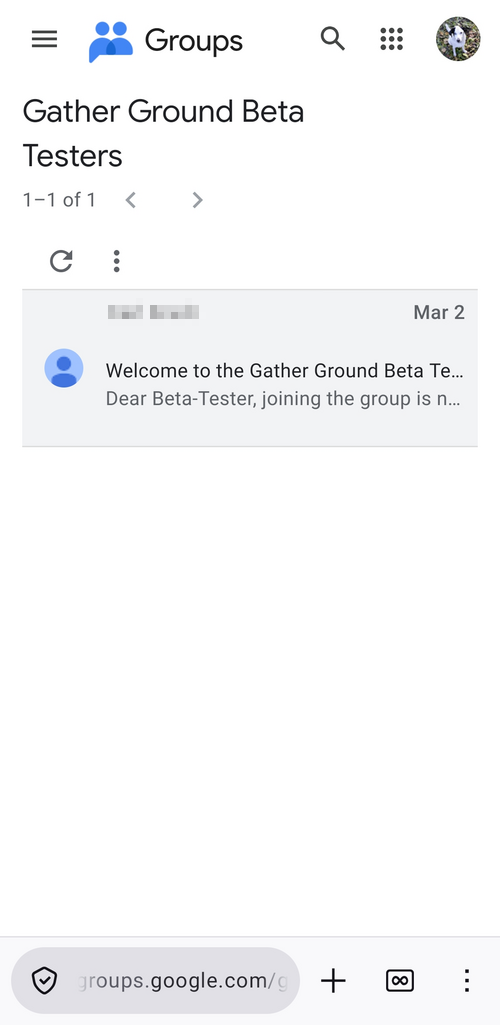
- then join the group.
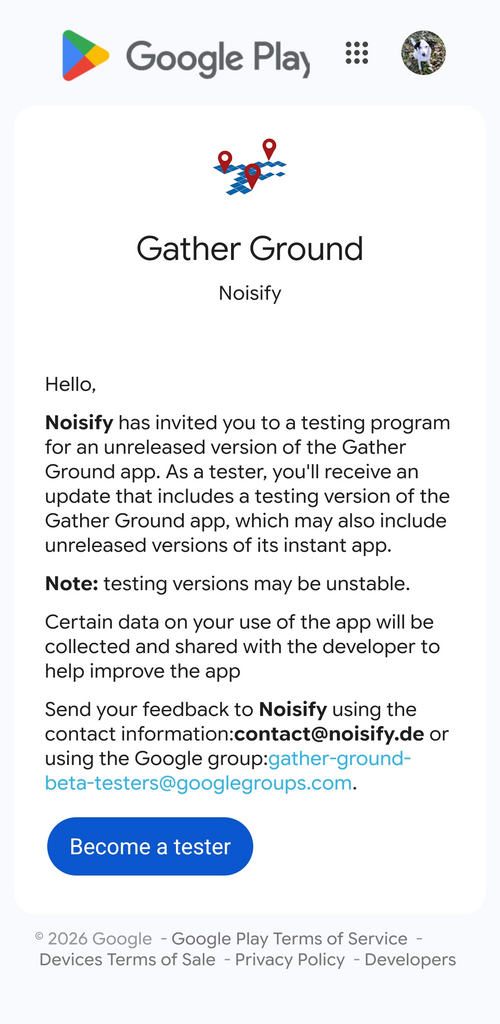
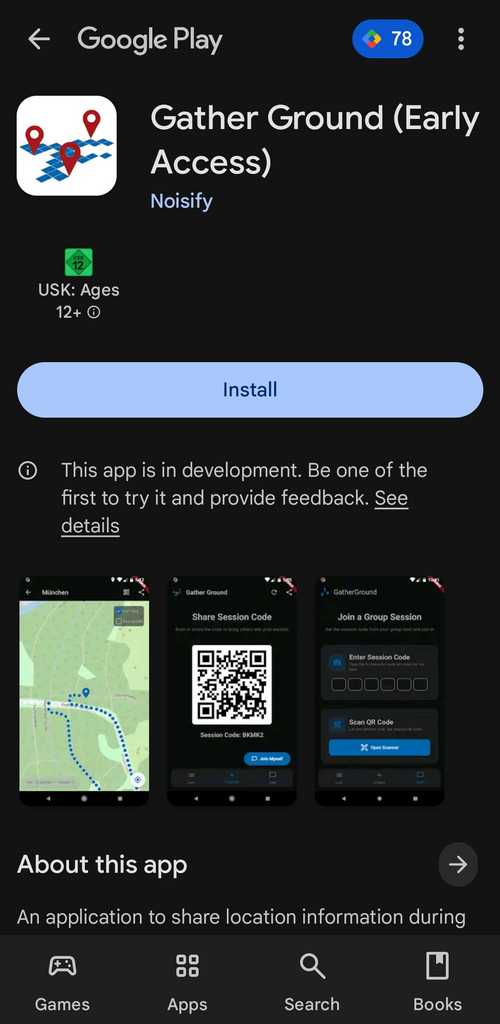
- Opt in as a beta tester at the GatherGround Google Play testing page .
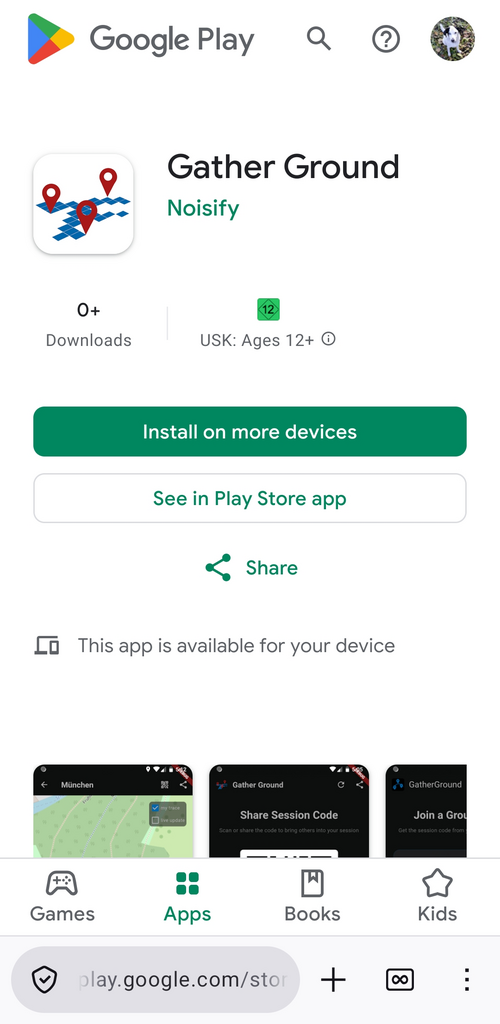
- Open GatherGround on Google Play and install the app.
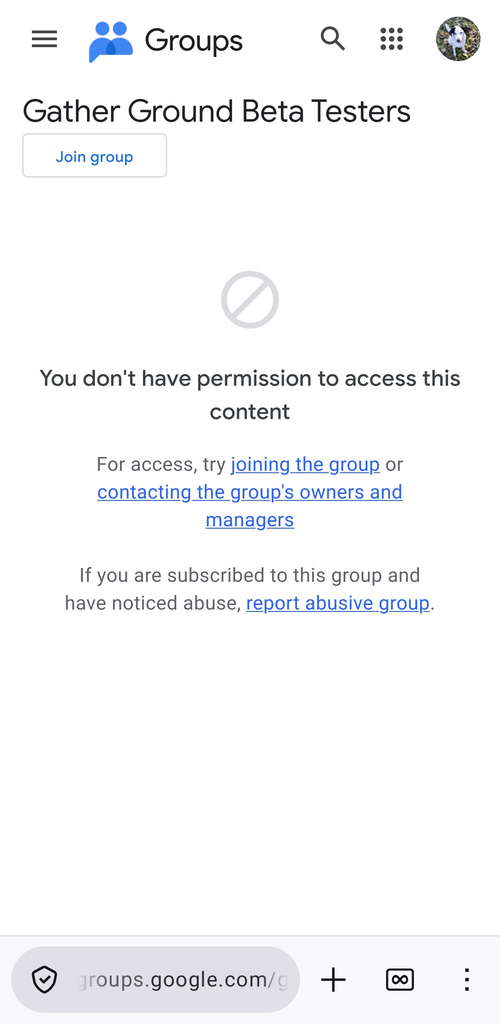
The URLs should look like these examples:
Install GatherGround on iOS
GatherGround is not yet available for iOS.
Trouble Shooting
-
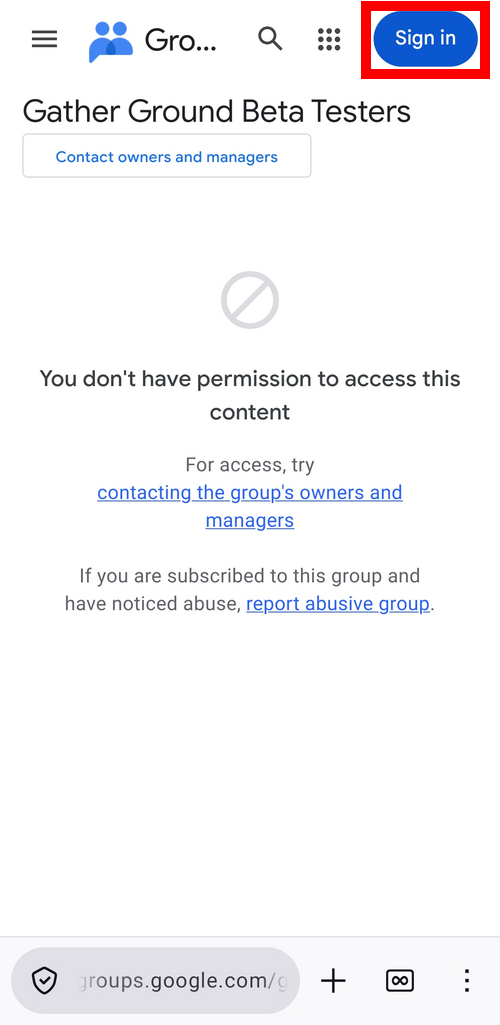
If Google Groups shows "You don't have permission to access this content", login might be needed.
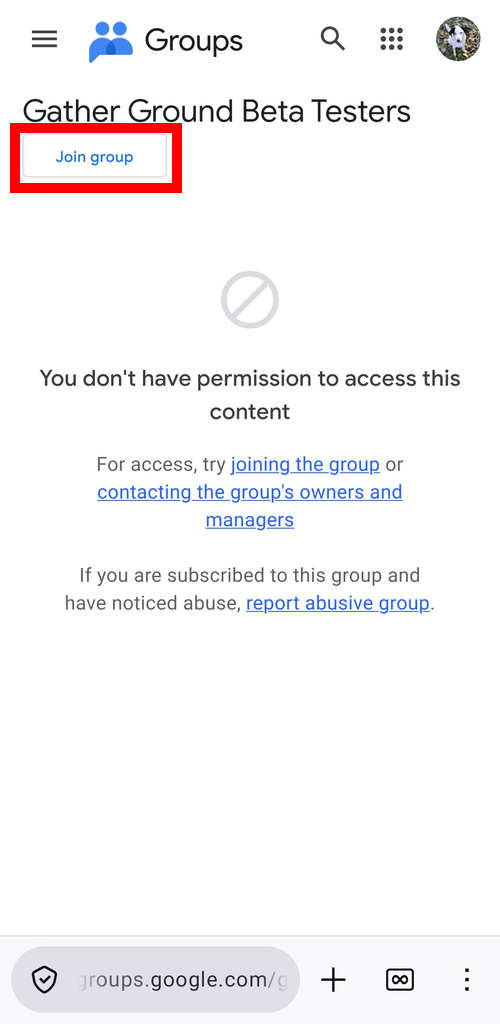
Sign in to Google Groups first with the same Google account you use on your mobile phone and in Google Play, then click
Join group.
-
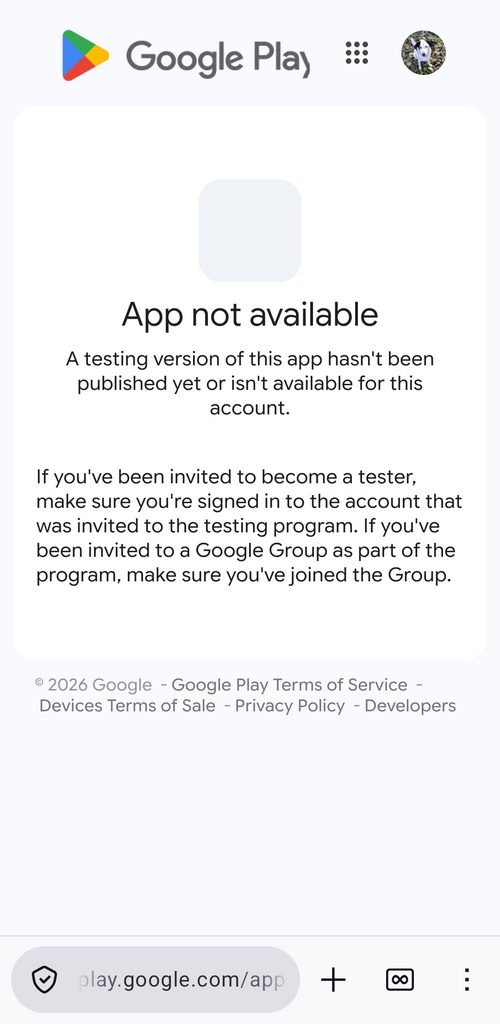
If Google Play says "App not available", open the
Gather Ground Beta Testers
on Google Groups link on this page and join the group.
-
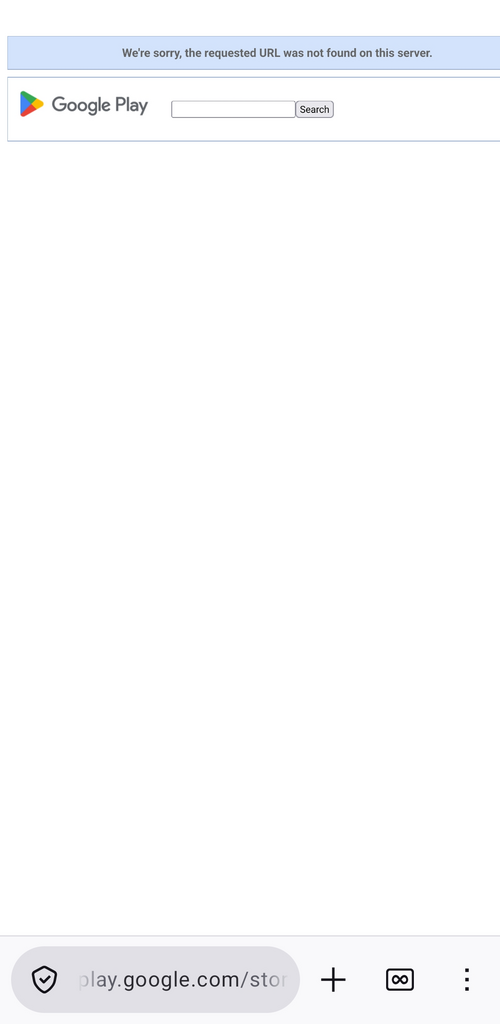
If Google Play says "We're sorry, the requested URL was not found on this server", open the
Gather Ground Beta Testers
on Google Groups link on this page and join the group.
-
To leave the group on Google Groups, open the
Gather Ground Beta Testers
on Google Groups link, open the burger menu on the top left, click My membership settings, and then click
Leave group at the top.